HOT

Welcome to Saturday Offer Day

PRT A4 Portable Printer for Travel, Thermal Inkless Wireless…

Original price was: £69.99.Current price is: £66.49.

Product Description

travel printertravel printer

portable printer wireless printer Thermal Printer

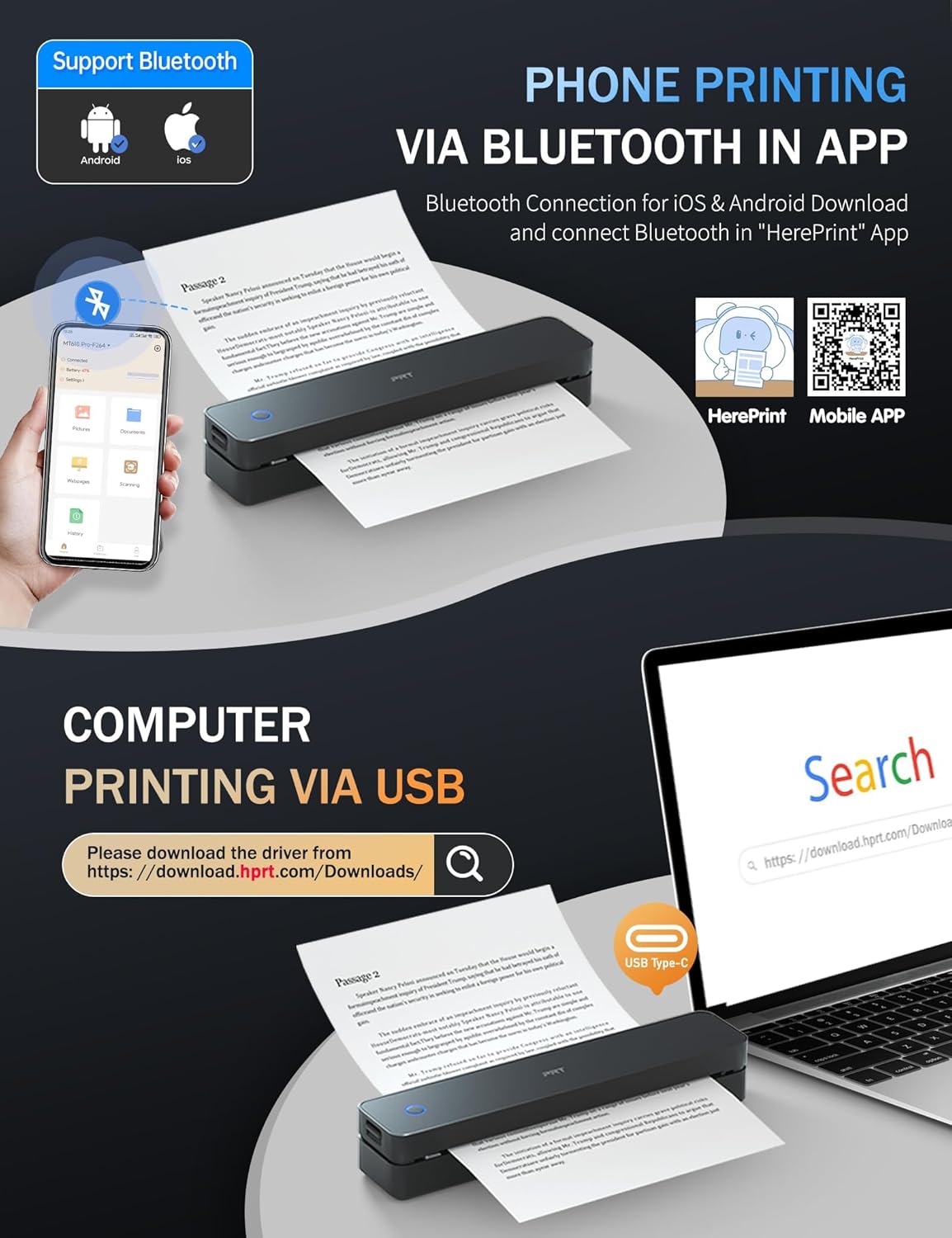
Bluetooth Portable Printer for Mobile Phone

1 Install Mobile APP 2 Connect BT On App 3 Print On APP

portable printer PC Printinng Via USB

Turn on the printer, connect the computer and printer with USB cable first, then download the driver

Wireless Printer A4 Printer Thermal Printer

Thermal Printer for PC

1 Connect With USB 2 Download The Driver 3 Print 4 Tips for PC

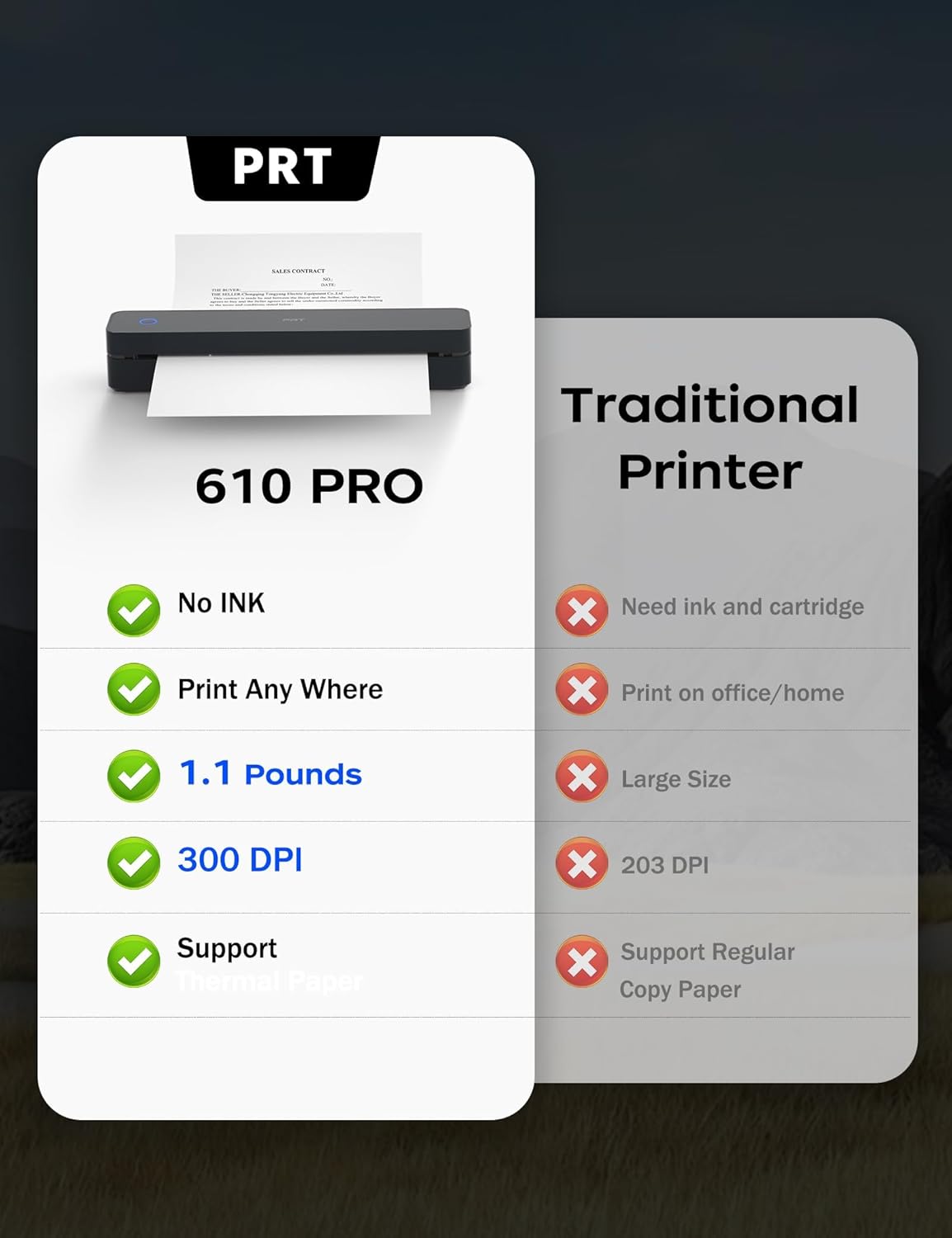
Do away with ink expenses! Just use thermal paper. Portable Thermal PrinterPortable Thermal Printer

thermal printer

thermal printer

portable printer

travel printer

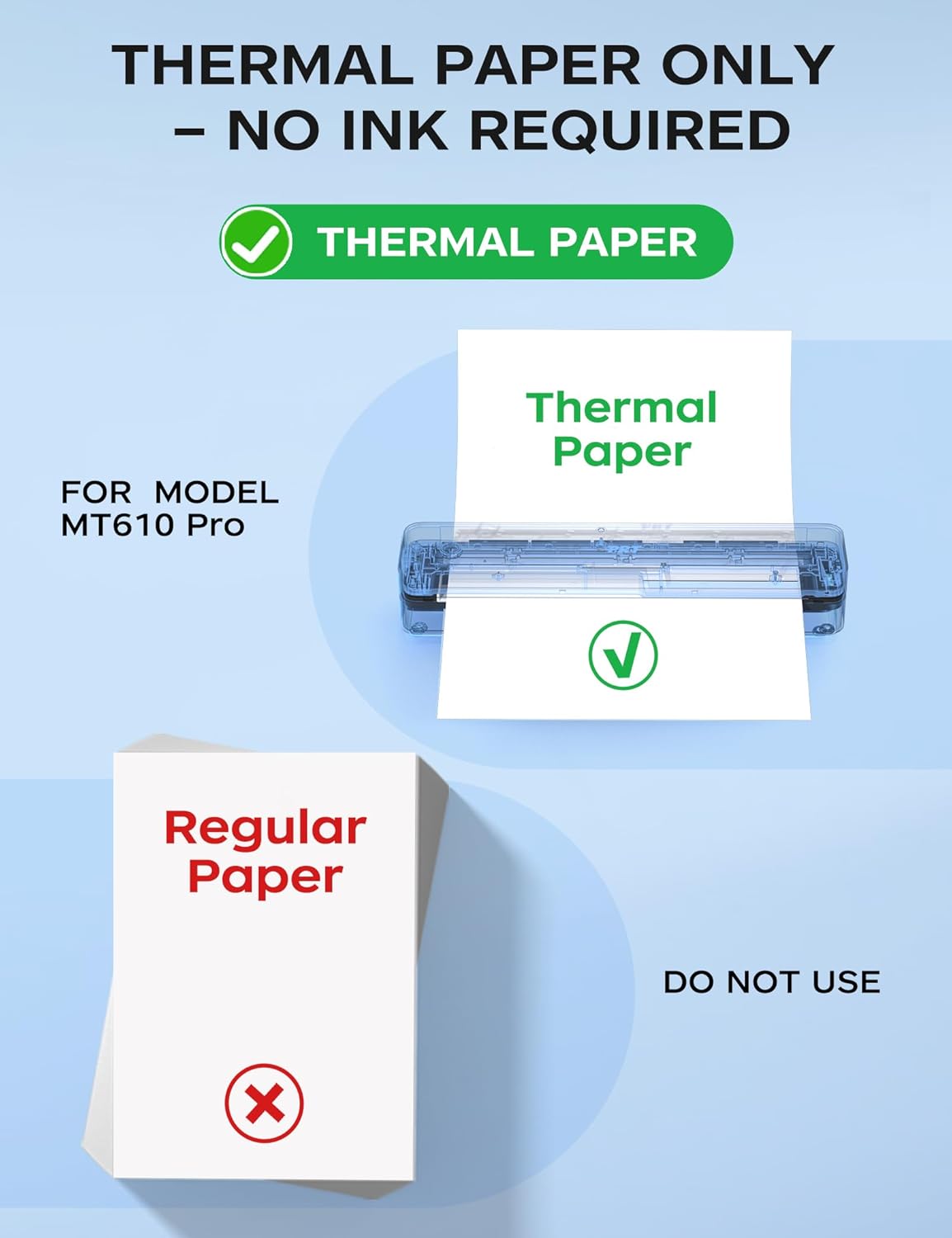
Can regular paper be used?

This is a thermal printer, no ink and only supports thermal paper.

How to print on my mobile phone?

Step 1: Download the mobile phone app ‘HerePrint’.

Step 2: Turn on the Printer MT610 Pro and make a Bluetooth connection in the APP.

Why can’t my cellphone connect to Bluetooth?

Check 1: Please confirm that the printer and mobile phone Bluetooth are turned on.

Check 2: Connect Bluetooth in the mobilephone app “HerePrint” instead of directly connecting to the Bluetooth of the phone.

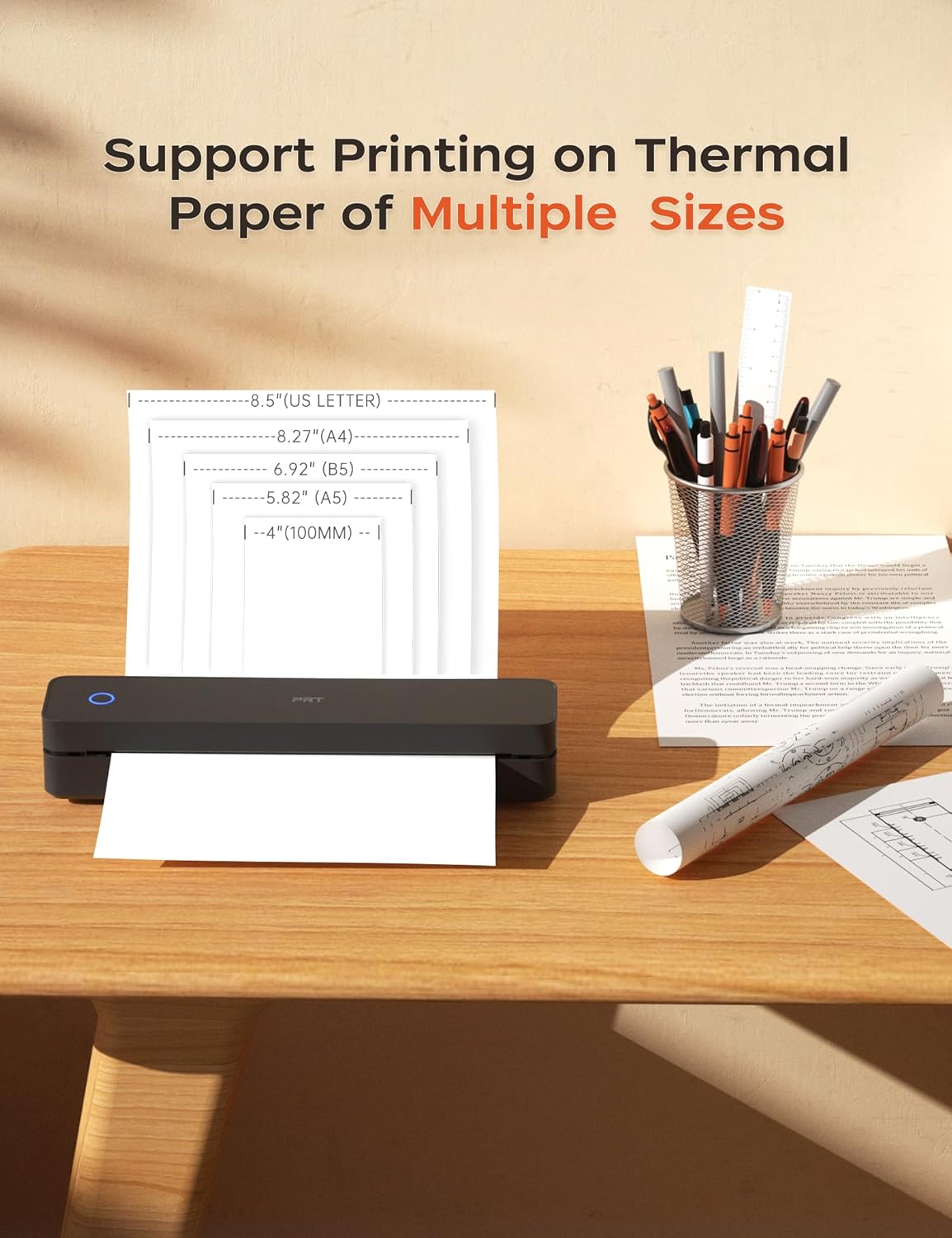
What thermal paper sizes can I use this travel printer to print?

This portable printer can use thermal paper with a width of 10.2 to 21.6 cm. Such as A4, A5, B5.

Check Out More Excellent Accessories! Perfect for Complementing the Printer

A4 Themal Paper

High-quality, economy thermal paper.compatible with thermal document printers

Mobile Thermal Printer

Ideal for mobile use, it works well during travels, at airports, and in cars.

Mobile Thermal Printer

Ideal for mobile use, it works well during travels, at airports, and in cars.

Game-changer

Delivers vivid, clear prints. Ideal for thermal document printer.

Long-life Battery

20% more pages per charge than competitors—ideal for travel & business.

Long-life Battery

20% more pages per charge than competitors—ideal for travel & business.

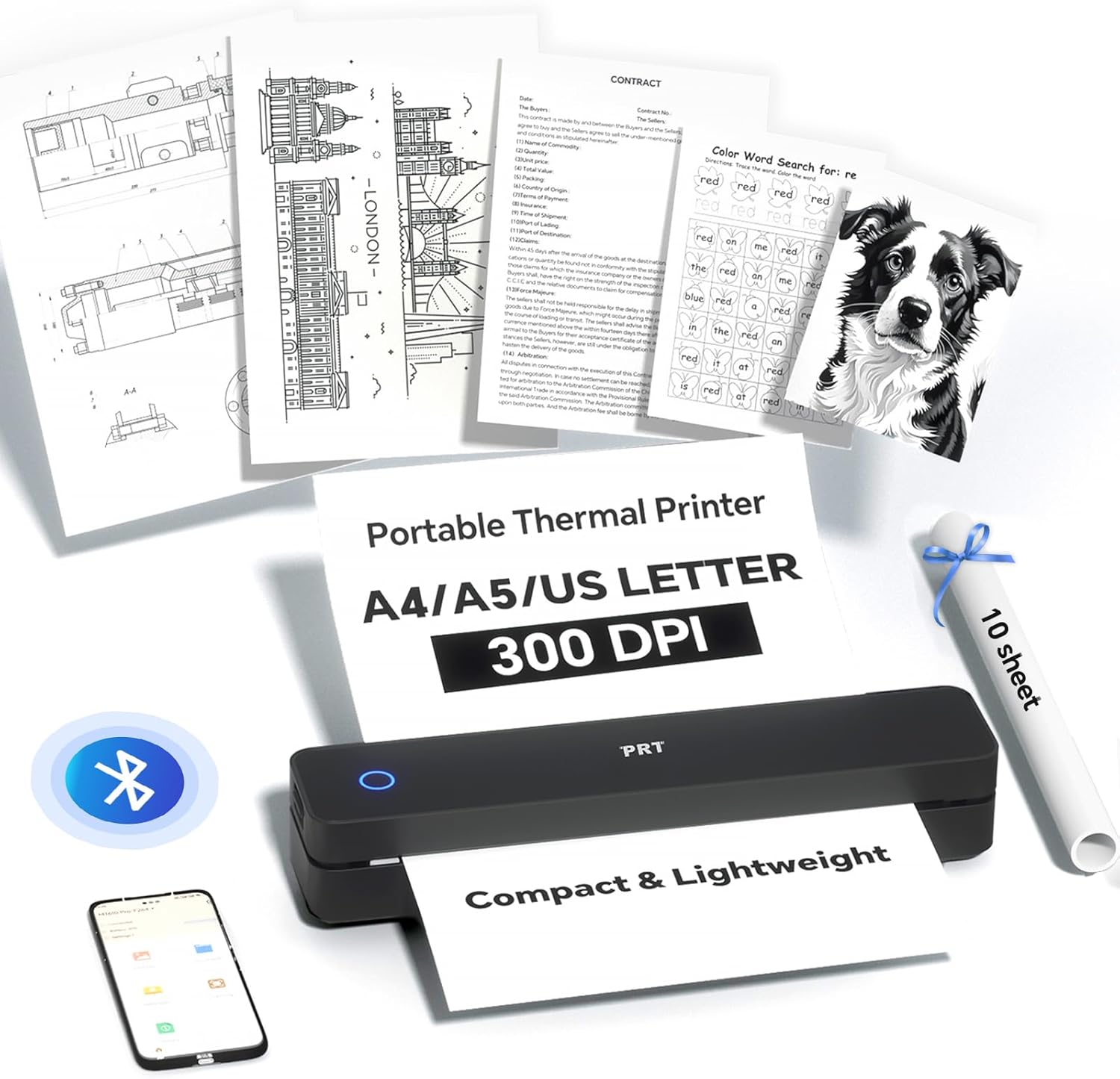
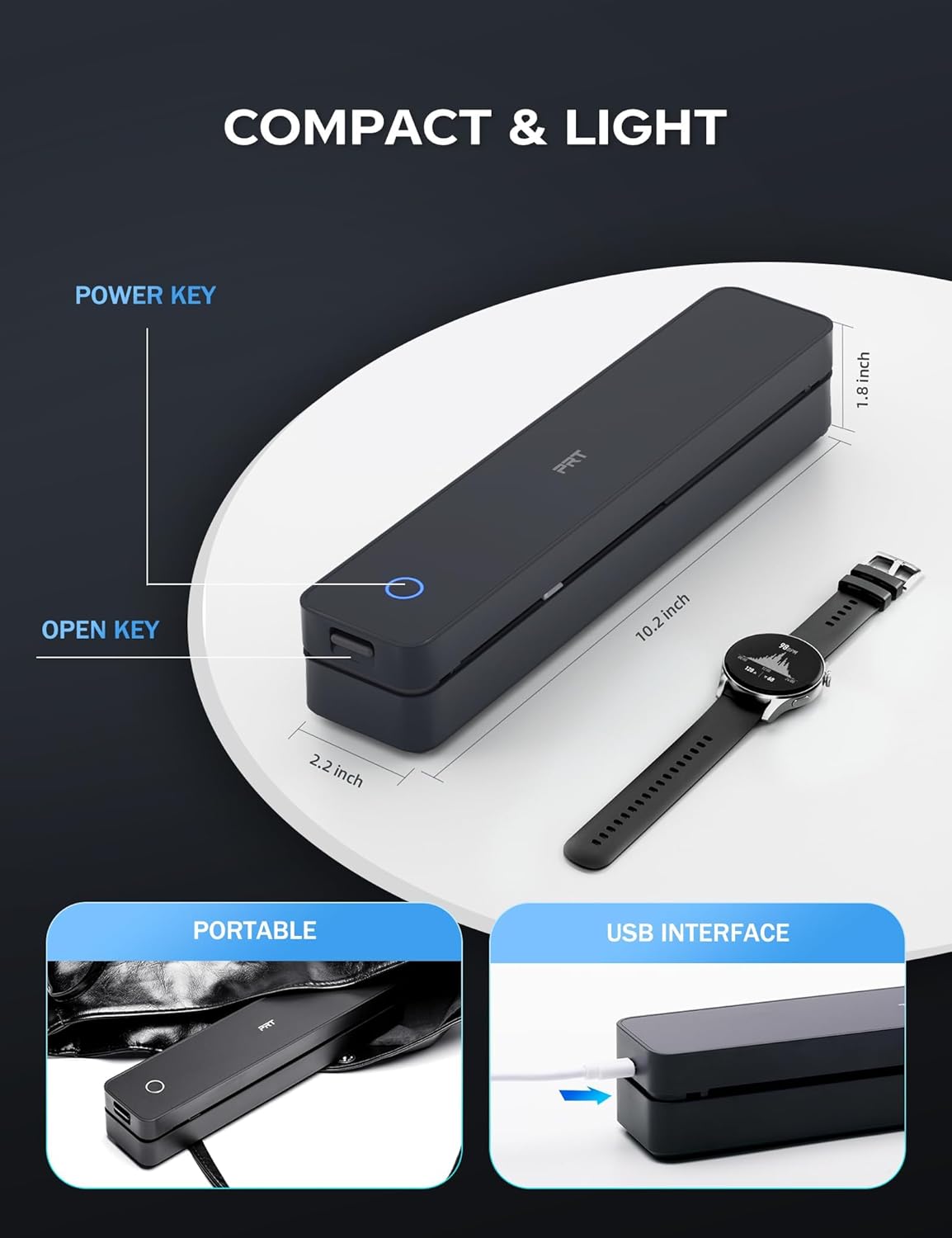
COMPACT MARVEL: The MT610 Pro small monochrome a4 thermal printer is a real space – saver, weighing only 0.5 KG and measuring just 26.6x 55 x 47 CM. Despite its compact size, it offers a high – definition resolution of up to 300 dpi, delivering clear prints every time.(Thermal paper is required)
UNIVERSAL COMPATIBILITY& WIDE PRINTING RANGE: The a4 portable printer is compatible with a wide range of OS, including iOS (for iPhone & iPad), Android, Windows, and macOS.It supports a variety of thermal paper sizes, such as A4, A5. (Important: This inkless printer only supports thermal paper; regular paper is not suitable.)
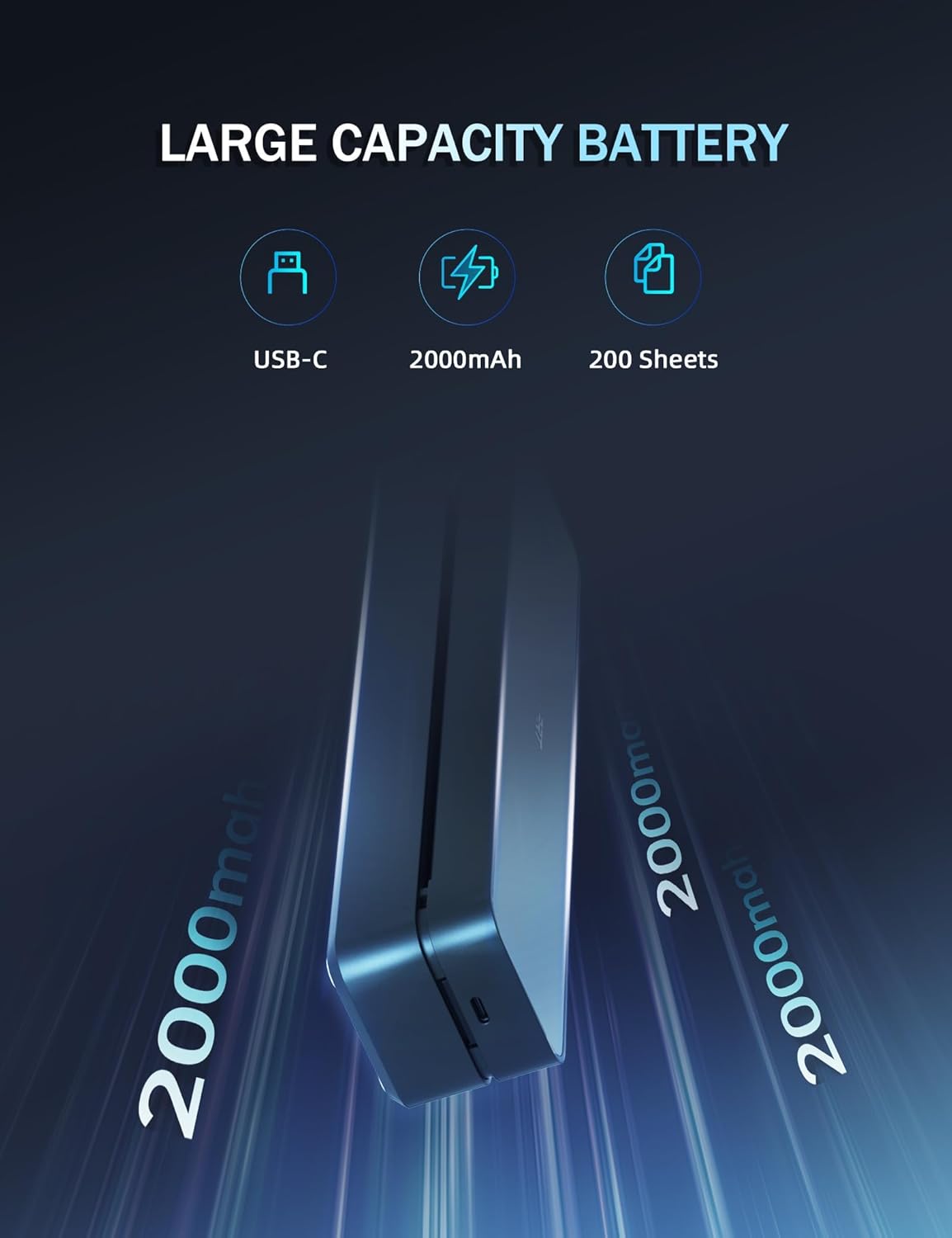
DURABLE AND LONG-LASTING BATTERY: The travel printer comes with a built-in 2000mAh battery. Once fully charged, this battery can support up to 4 hours of continuous printing, enabling the printer to produce up to 360 sheets of paper. The 300 dpi printer is suitable for home, school, office and vehicles.
EASY TO USE: The compact printer enables bluetooth wireless connecting & printing via the mobile device app “HerePrint”. The printer can also connect to laptops and desktops with USB cable. When using a computer, just connect the printer with USB cable first, then install the driver. (Note: Download the driver from the HPRT website on your computer)
SIMPLE MOBILE DEVICE PRINTING STEPS: (1) Download the “HerePrint” app from the App Store or Google Play on your mobile phone. (2) Turn on the inkless portable printer MT610 Pro. (3) Enable Bluetooth on your phone and click the ‘+’ button in the app to complete the printer connection. Then select the file type and make paper settings, and start printing.
USB PRINTING ON COMPUTERS: (1) Turn on the printer. (2) Connect the printer to your computer via USB cable. (3) Download the corresponding driver for the PRT MT610 Pro from HPRT website. (4) Select “PRT MT610 Pro” as your printer to start printing. Tips: Before downloading the driver, power on the printer and connect the printer to your computer with USB cable first.
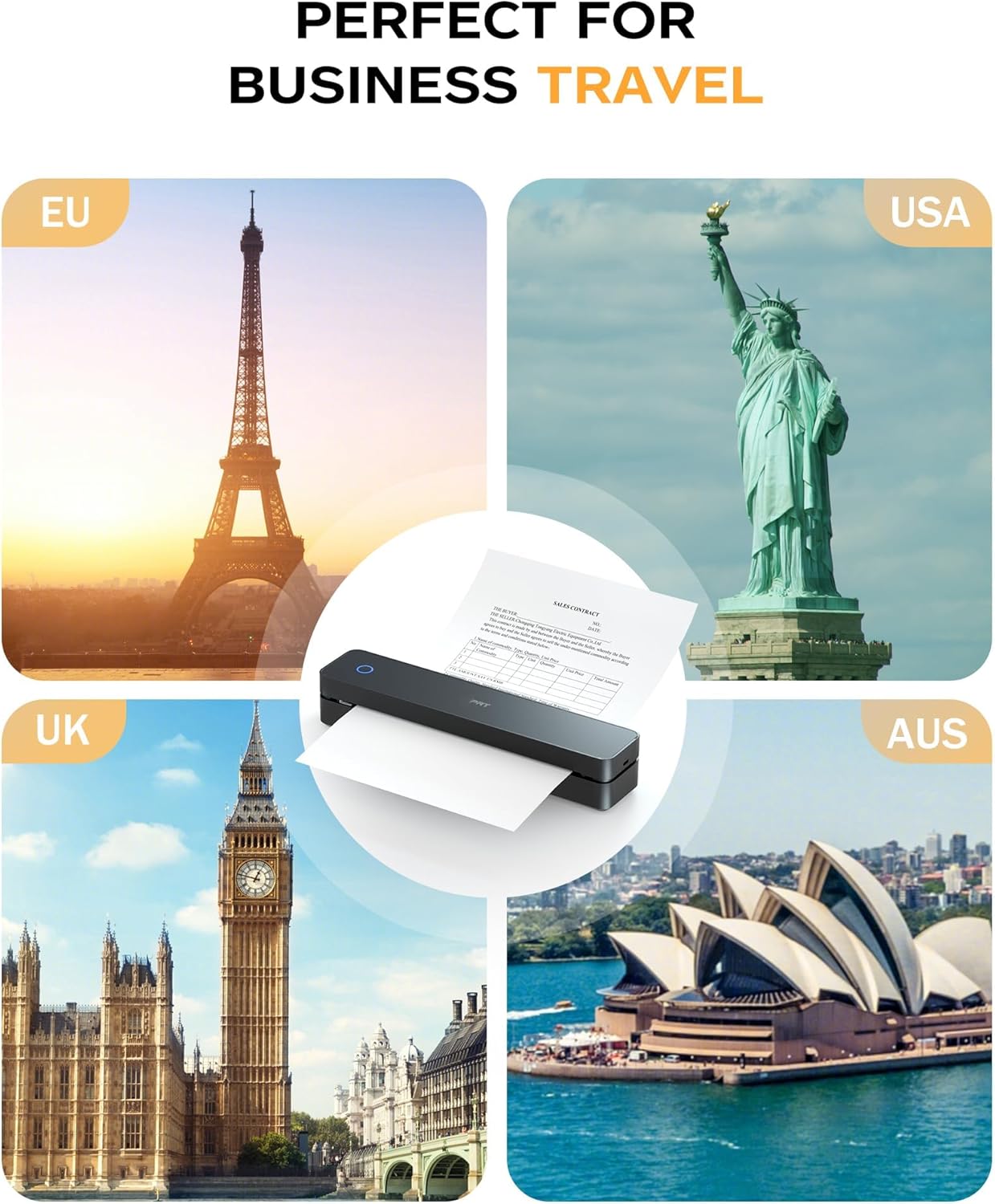
PRINT ANYTIME, ANYWHERE: Our inkless printer provide network – free printing, guaranteeing ultimate convenience. Whether you’re traveling, at home, in the office, or in a vehicle, you can effortlessly print contracts, office documents, or any other necessary documents from the “HerePrint” smartphone app.
USAGE PRECAUTIONS: The printer is designed to work with thermal paper only. For mobile, establish a connection via Bluetooth within the mobile app ‘HerePrint’ ; direct connection will not function. When using the printer with a computer, always turn on the printer first. Connect the device to the computer using a USB cable, and then install the drivers. Installing the drivers prior to establishing the USB connection may prevent the driver from correctly identifying the printer model.

Description

Price: £69.99 - £66.49
(as of Nov 04, 2025 22:14:39 UTC – Details)

Product Description

travel printertravel printer

portable printer wireless printer Thermal Printer

Bluetooth Portable Printer for Mobile Phone

1 Install Mobile APP 2 Connect BT On App 3 Print On APP

portable printer PC Printinng Via USB

Turn on the printer, connect the computer and printer with USB cable first, then download the driver

Wireless Printer A4 Printer Thermal Printer

Thermal Printer for PC

1 Connect With USB 2 Download The Driver 3 Print 4 Tips for PC

Do away with ink expenses! Just use thermal paper. Portable Thermal PrinterPortable Thermal Printer

thermal printer

thermal printer

portable printer

travel printer

Can regular paper be used?

This is a thermal printer, no ink and only supports thermal paper.

How to print on my mobile phone?

Step 1: Download the mobile phone app ‘HerePrint’.

Step 2: Turn on the Printer MT610 Pro and make a Bluetooth connection in the APP.

Why can’t my cellphone connect to Bluetooth?

Check 1: Please confirm that the printer and mobile phone Bluetooth are turned on.

Check 2: Connect Bluetooth in the mobilephone app “HerePrint” instead of directly connecting to the Bluetooth of the phone.

What thermal paper sizes can I use this travel printer to print?

This portable printer can use thermal paper with a width of 10.2 to 21.6 cm. Such as A4, A5, B5.

Check Out More Excellent Accessories! Perfect for Complementing the Printer

A4 Themal Paper

High-quality, economy thermal paper.compatible with thermal document printers

Mobile Thermal Printer

Ideal for mobile use, it works well during travels, at airports, and in cars.

Mobile Thermal Printer

Ideal for mobile use, it works well during travels, at airports, and in cars.

Game-changer

Delivers vivid, clear prints. Ideal for thermal document printer.

Long-life Battery

20% more pages per charge than competitors—ideal for travel & business.

Long-life Battery

20% more pages per charge than competitors—ideal for travel & business.

COMPACT MARVEL: The MT610 Pro small monochrome a4 thermal printer is a real space – saver, weighing only 0.5 KG and measuring just 26.6x 55 x 47 CM. Despite its compact size, it offers a high – definition resolution of up to 300 dpi, delivering clear prints every time.(Thermal paper is required)
UNIVERSAL COMPATIBILITY& WIDE PRINTING RANGE: The a4 portable printer is compatible with a wide range of OS, including iOS (for iPhone & iPad), Android, Windows, and macOS.It supports a variety of thermal paper sizes, such as A4, A5. (Important: This inkless printer only supports thermal paper; regular paper is not suitable.)
DURABLE AND LONG-LASTING BATTERY: The travel printer comes with a built-in 2000mAh battery. Once fully charged, this battery can support up to 4 hours of continuous printing, enabling the printer to produce up to 360 sheets of paper. The 300 dpi printer is suitable for home, school, office and vehicles.
EASY TO USE: The compact printer enables bluetooth wireless connecting & printing via the mobile device app “HerePrint”. The printer can also connect to laptops and desktops with USB cable. When using a computer, just connect the printer with USB cable first, then install the driver. (Note: Download the driver from the HPRT website on your computer)
SIMPLE MOBILE DEVICE PRINTING STEPS: (1) Download the “HerePrint” app from the App Store or Google Play on your mobile phone. (2) Turn on the inkless portable printer MT610 Pro. (3) Enable Bluetooth on your phone and click the ‘+’ button in the app to complete the printer connection. Then select the file type and make paper settings, and start printing.
USB PRINTING ON COMPUTERS: (1) Turn on the printer. (2) Connect the printer to your computer via USB cable. (3) Download the corresponding driver for the PRT MT610 Pro from HPRT website. (4) Select “PRT MT610 Pro” as your printer to start printing. Tips: Before downloading the driver, power on the printer and connect the printer to your computer with USB cable first.
PRINT ANYTIME, ANYWHERE: Our inkless printer provide network – free printing, guaranteeing ultimate convenience. Whether you’re traveling, at home, in the office, or in a vehicle, you can effortlessly print contracts, office documents, or any other necessary documents from the “HerePrint” smartphone app.
USAGE PRECAUTIONS: The printer is designed to work with thermal paper only. For mobile, establish a connection via Bluetooth within the mobile app ‘HerePrint’ ; direct connection will not function. When using the printer with a computer, always turn on the printer first. Connect the device to the computer using a USB cable, and then install the drivers. Installing the drivers prior to establishing the USB connection may prevent the driver from correctly identifying the printer model.

Customers say

Customers find the printer’s print quality excellent with clear results, and appreciate its sleek design. However, the paper quality receives mixed feedback, with some customers reporting issues with non-thermal paper compatibility. The value for money also gets mixed reviews.

Reviews

There are no reviews yet.

Be the first to review “PRT A4 Portable Printer for Travel, Thermal Inkless Wireless…”

Your email address will not be published. Required fields are marked *