

Description
Price: INR2,136.78
(as of Oct 01, 2026 10:59:33 UTC – Details)
Product Description


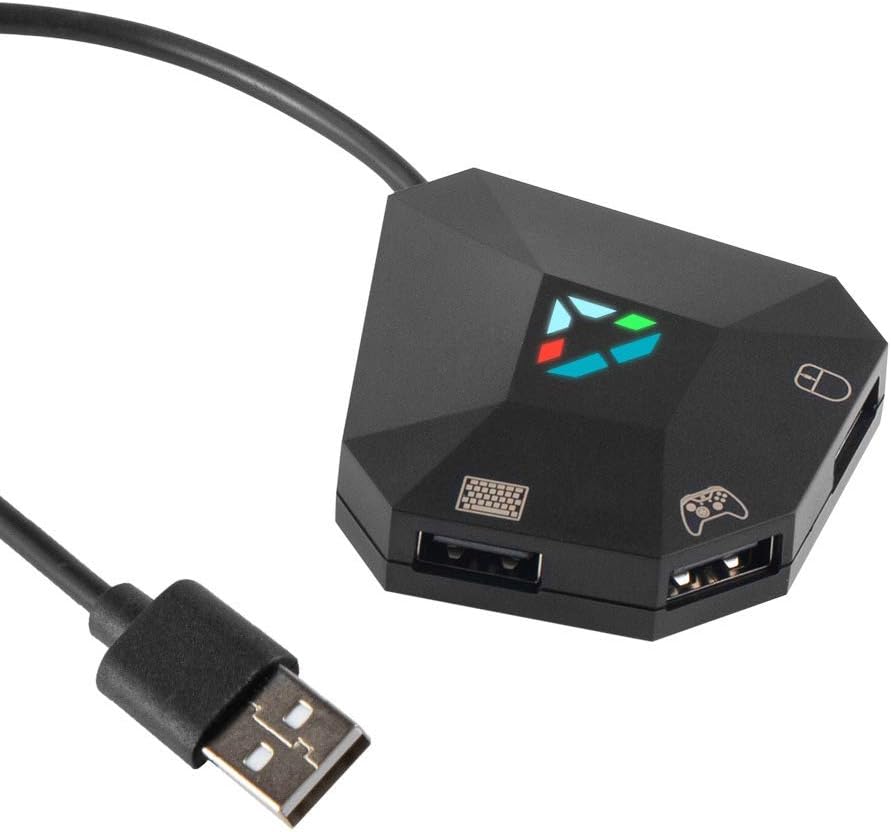
√ Supports keyboard mapping√ Supports mouse sensitivity setting√ Supports 8 keyboard and mouse keys storage√ Supports mouse cursor Y-axis forward and reverse direction switching
DEVICE CONNECTION STEPS 
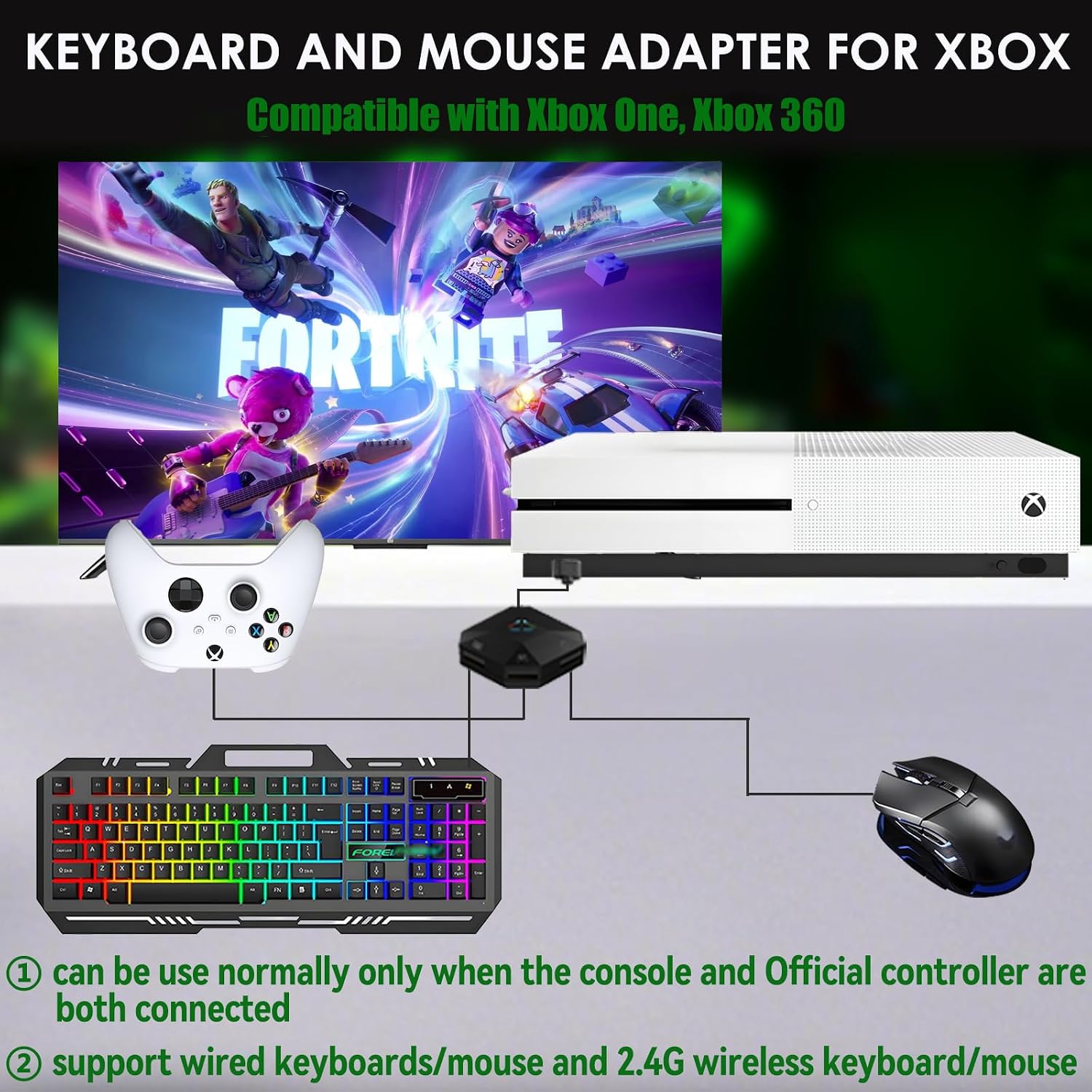
[can be use normally only when the console and original controller are both connected]
When you disconnect the original controller while you are linking with our mouse and keyboard adapter, please reboot the original controller first, then you can reconnect original controller with our adapter again

[can be use normally only when the console and original controller are both connected]
!Make sure your PS3/PS4 controller is turned off before connecting it to this keyboard and mouse adapter!

[can be use normally only when the console and original controller are both connected]
When you disconnect the original controller while you are linking with our mouse and keyboard adapter, please reboot the original controller first, then you can reconnect original controller with our adapter again
 DIY Mapping Keyboard
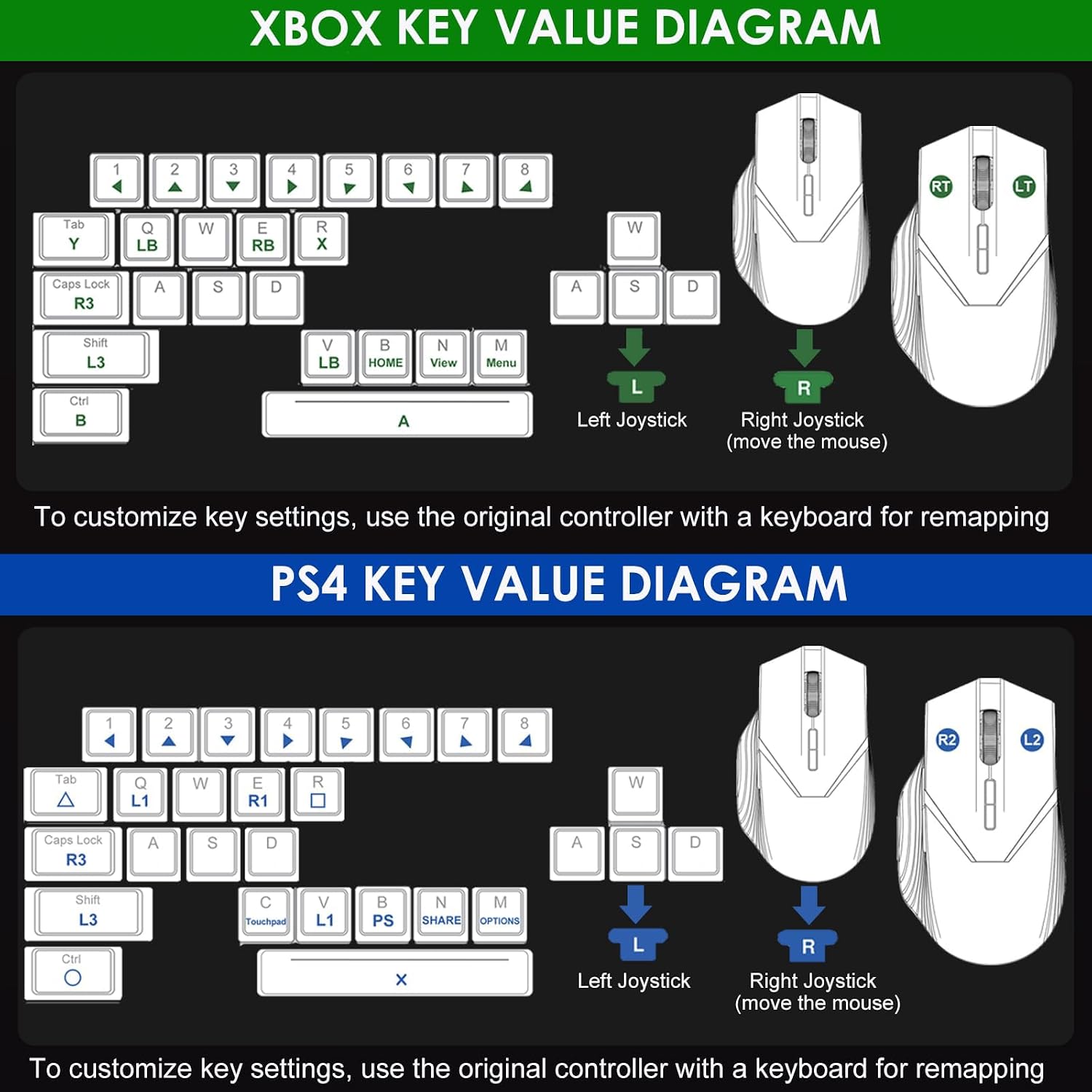
Support keyboard Key Mapping on Nintendo Switch, Xbox One/360, PS4 & PS3.Please refer to the detailed tutorial video to set the keyboard key mapping.NOT COMPATIBLE WITH WIRELESS KEYBOARD.  DIY Mapping Mouse Keys
Support Mouse Key Mapping on Nintendo Switch, Xbox One/360, PS4 & PS3.Please refer to the detailed tutorial video to set the mouse key mapping.NOT COMPATIBLE WITH WIRELESS MOUSE.
It’s supposed to work on the PS4, but why isn’t it running properly?
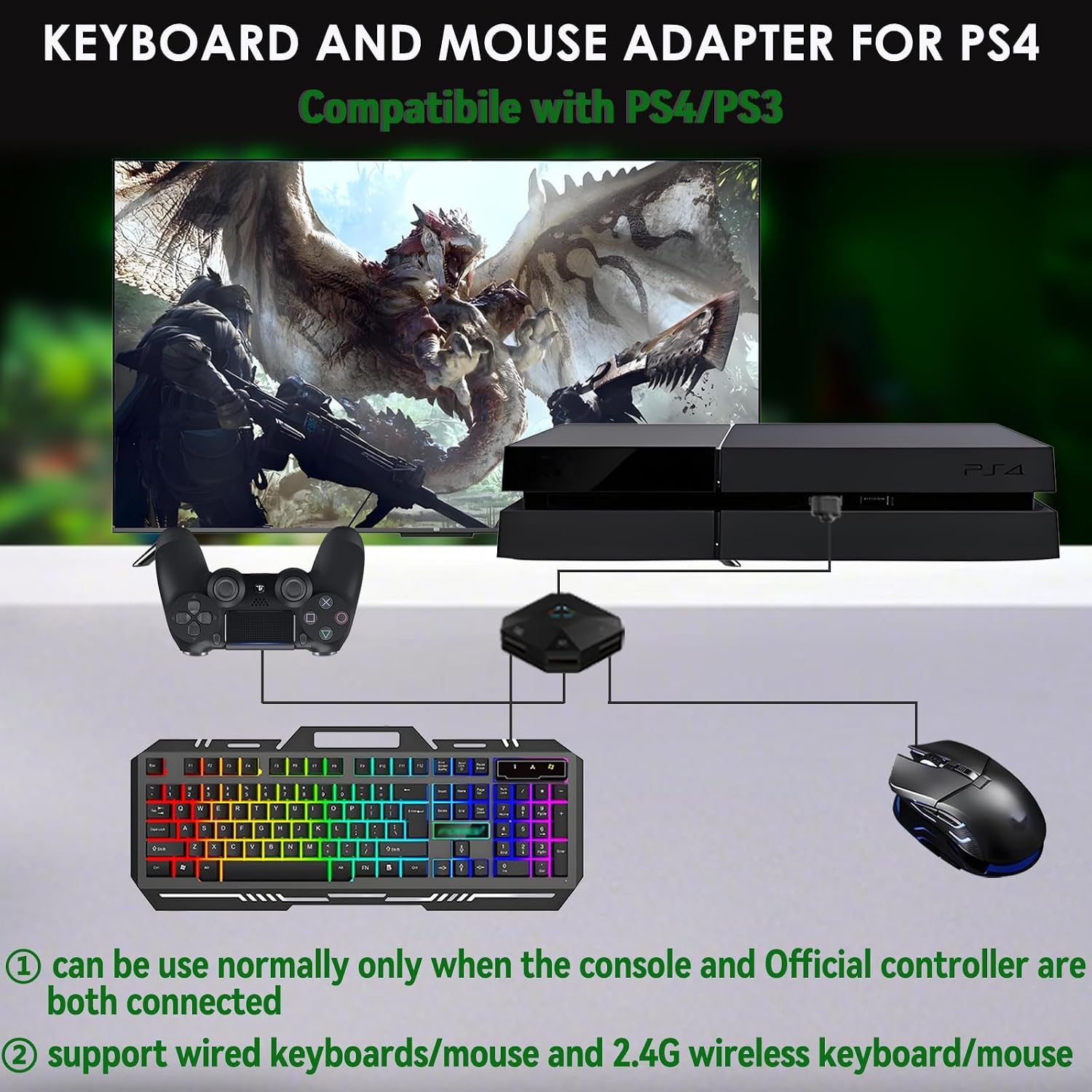
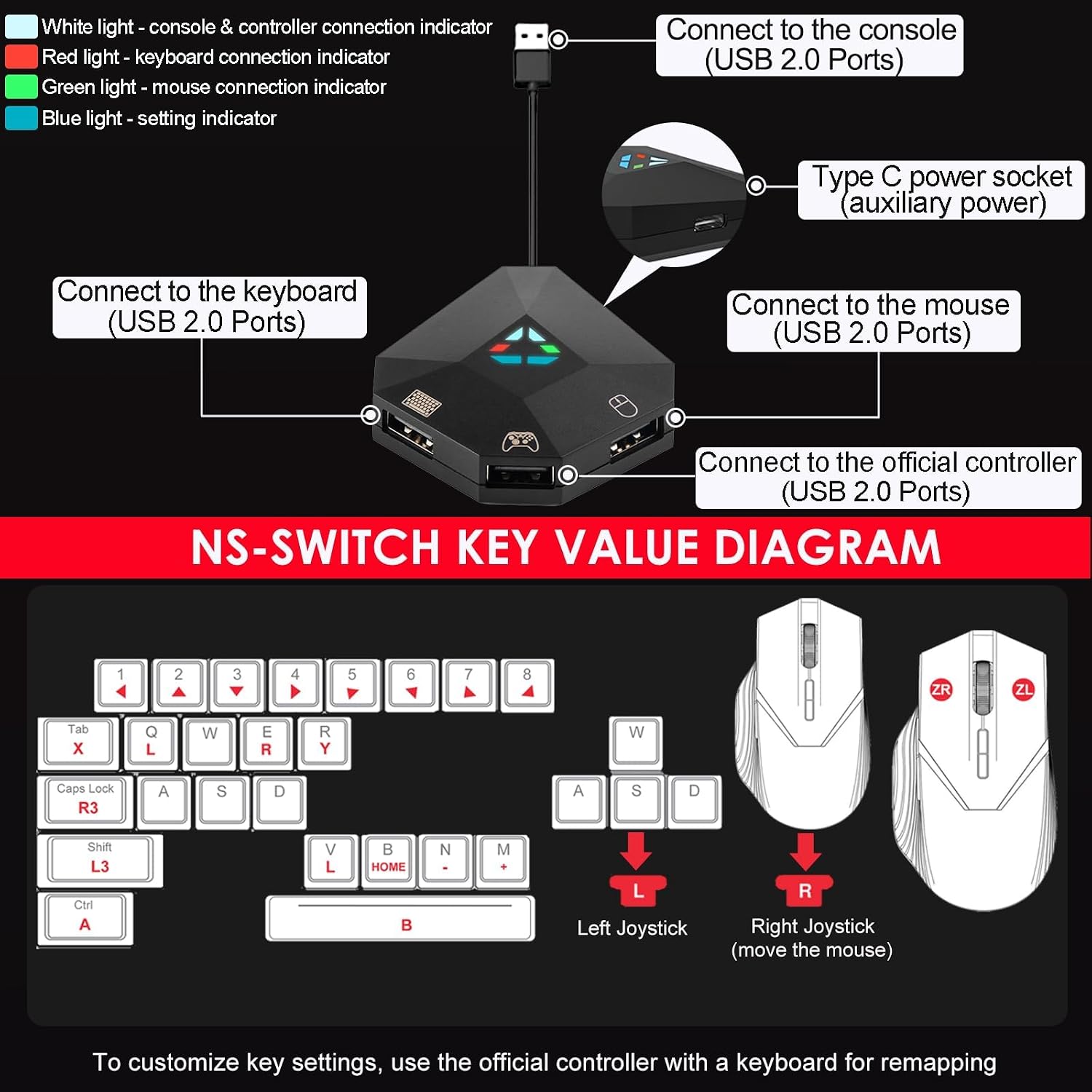
You can try again this way: Plug adapter into PS3/PS4 USB port → Connect powered‑off original controller to adapter → Turn on controller →Plug in the keyboard and mouse
How do I adjust the mouse sensitivity?
Press and hold the F12 key together with any of the number keys (1-9) on the top row of the keyboard to switch sensitivity: 1 = lowest, 9 = highest.
How do I connect this to Switch 2?
Go to switch “System Settings > Controller and Accessories> Nintendo Swtich Pro Controller Wired Communication”, and adjust it to the “on” state.
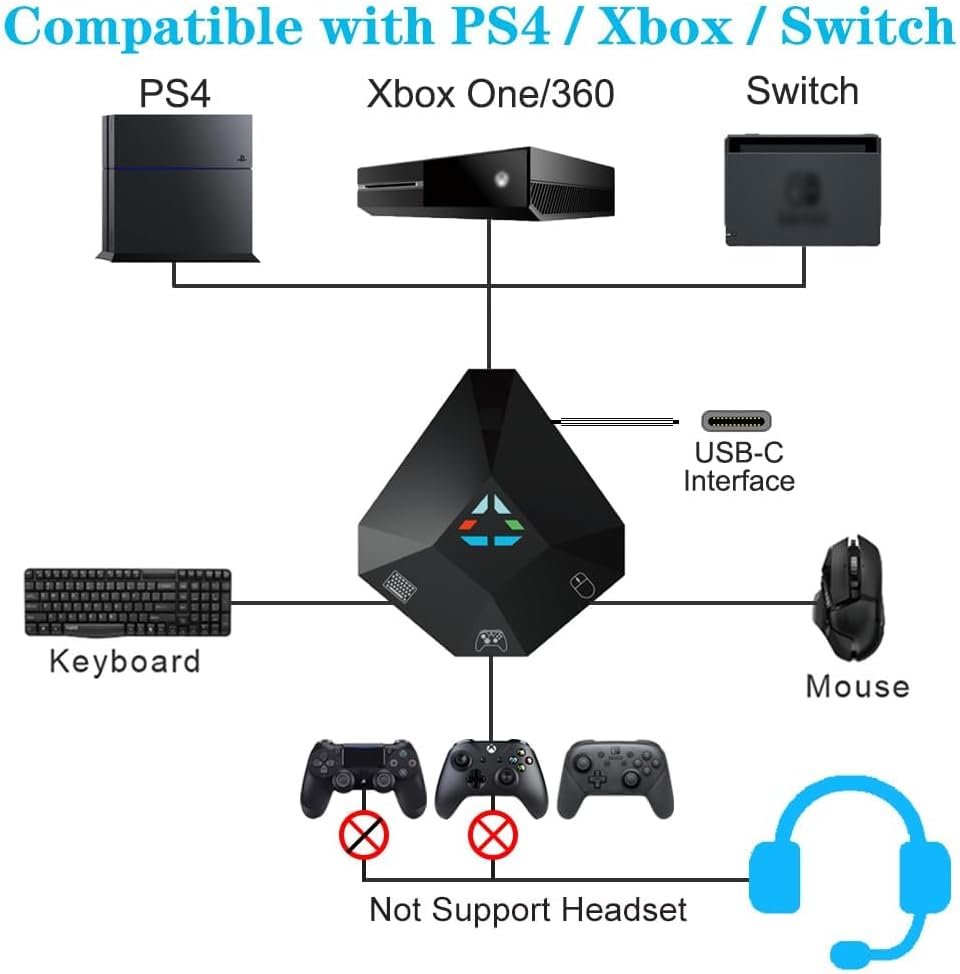
Compatible with Multiple Gaming Console: This mouse keyboard converter is compatible with Switch / Switch 2 / Switch OLED / Xbox one / Xbox 360 / PS4 / PS4 Pro / PS4 Slim / PS3 Console (Note: Not compatible with Xbox Series S/X, PS5, Switch Lite)
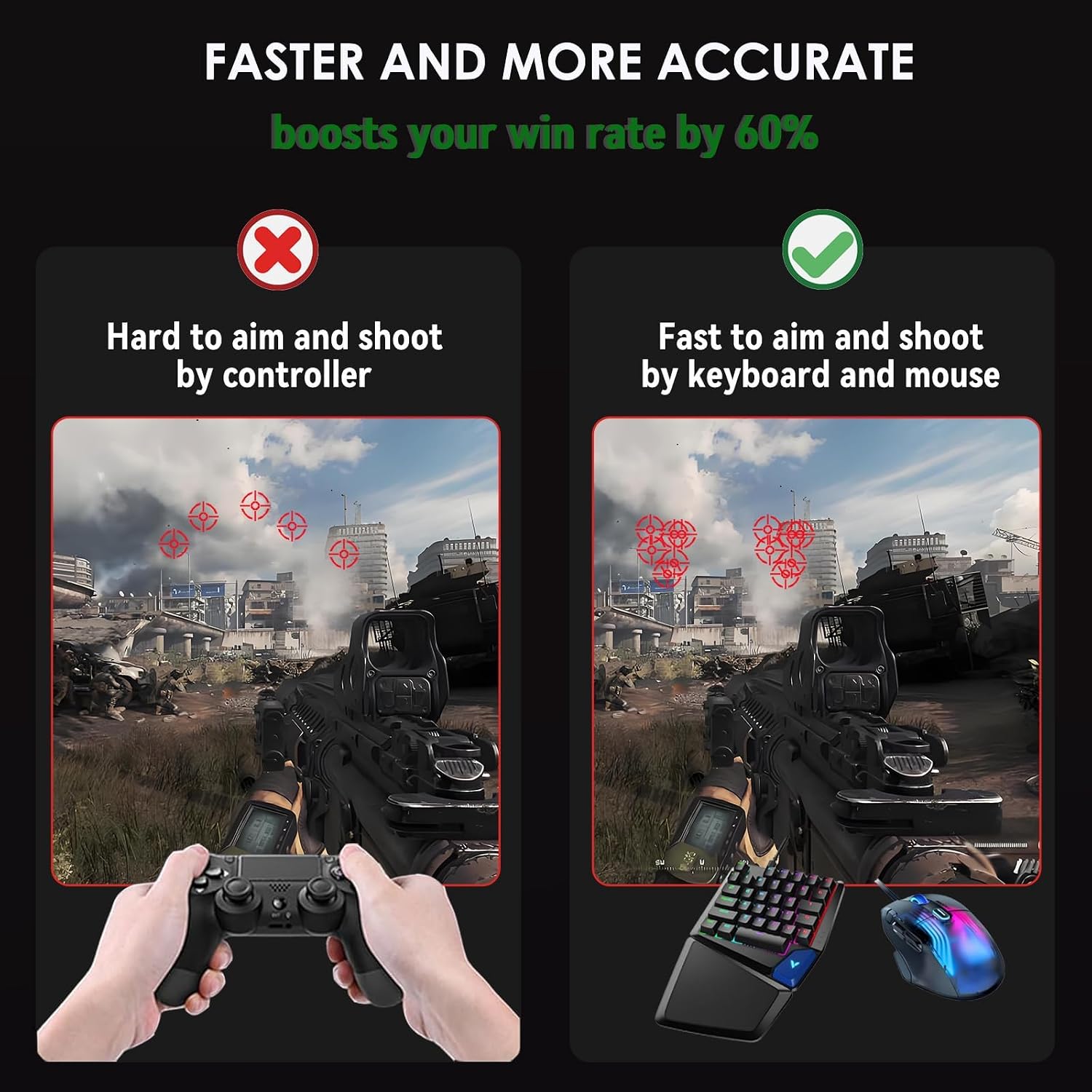
Precision Play: Upgrade your gaming setup with this versatile keyboard and mouse adapter. Seamlessly connect wired or 2.4GHz wireless peripherals to replace your standard controller, and enjoy pinpoint accuracy with zero noticeable delay—transforming every match into a smoother, more responsive, and far more enjoyable experience,This switch converter is perfect for FPS, TPS, RPG and RTS games
Simple Operation & Easy to Use: plug and play (plug in game console & game controller & computer & keyboard), no need to install drivers, use the original game controller as a guide, you can set any button on the keyboard and mouse as any button function on the gamepad for game operation. (Note: It can be used normally only when the console and official genuine controller are connected)
Custom Key Layout: Our PS4 keyboard and mouse adapter supports custom mapping and reset button functions. You can use the preset keyboard layout or use Delta’s keyboard assignment program to set the keyboard layout according to your wishes
Read before Use: Make sure the Original gamepad is working, if the power supply of the gamepad is insufficient please power the gamepad via the type c port of our adapter to ensure that the game is not interrupted





Reviews
There are no reviews yet.