

Description
Price: INR1,709.29
(as of Jun 19, 2026 10:39:42 UTC – Details)
Product Description

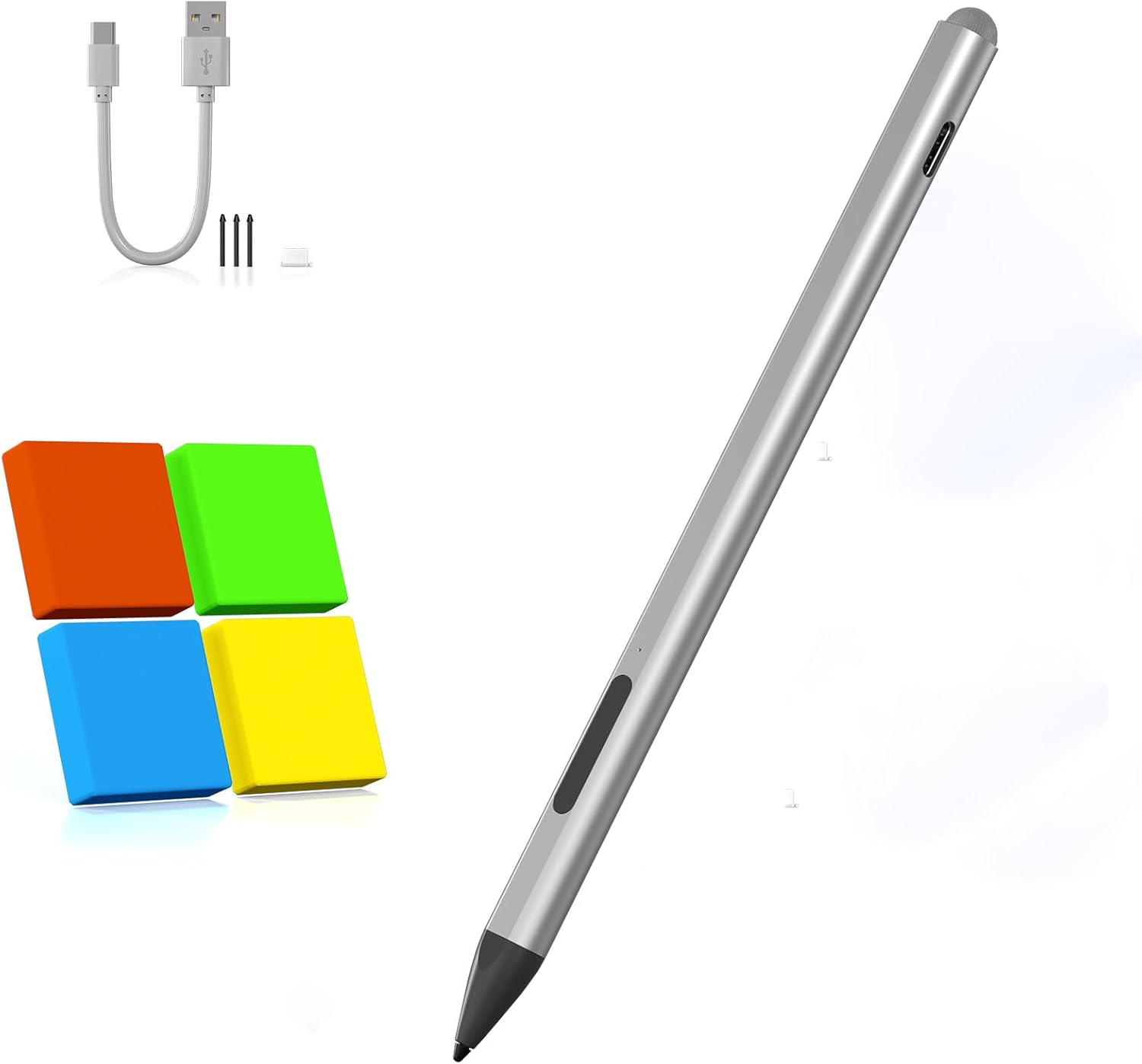
Package includes:
1* Stylus
3* Replacement nibs
1* User manual
1* Type – C charging cable
1* Type – C charging port dustproof rubber plug

Features:
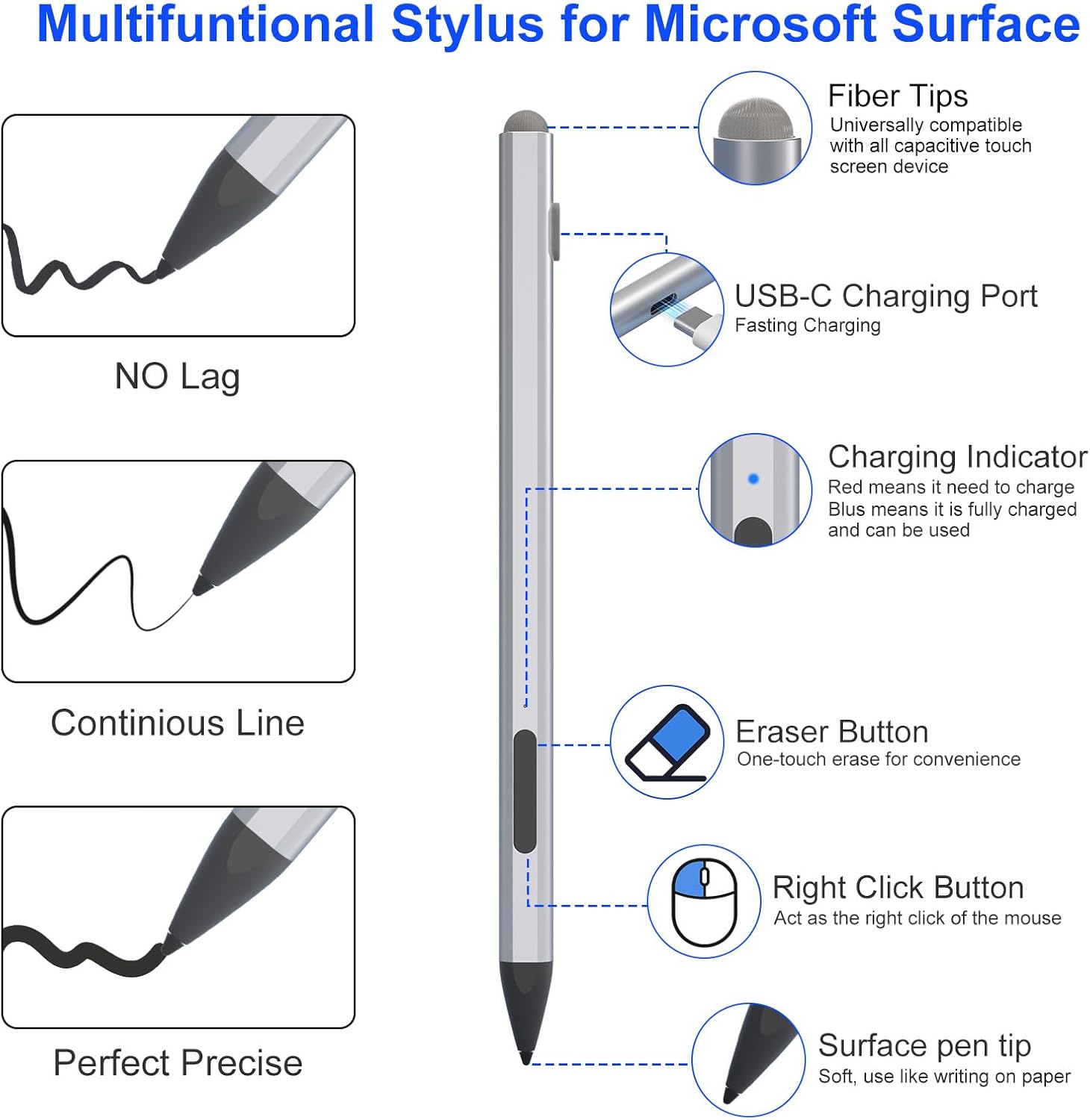
Press any button to start writing and drawing. No need to connect to Bluetooth or any applicationSupports 4096 levels of sensitivitySupports oblique writing modeAnti-palm rejection, both hands can be placed naturally on the tabletDual touch design, the tip of the pen uses traditional handwriting input to simulate the feeling of a real pen, and the other end uses capacitive touch technology to achieve operations similar to sliding and clicking on the smartphone screen.Magnetic suction function, portableCharging port: USB-C (30 minutes full, 60 hours of continuous use)Automatically enters sleep mode after 10 minutes when not in useWith LED charging indicator

Write or draw like you’re on paper:
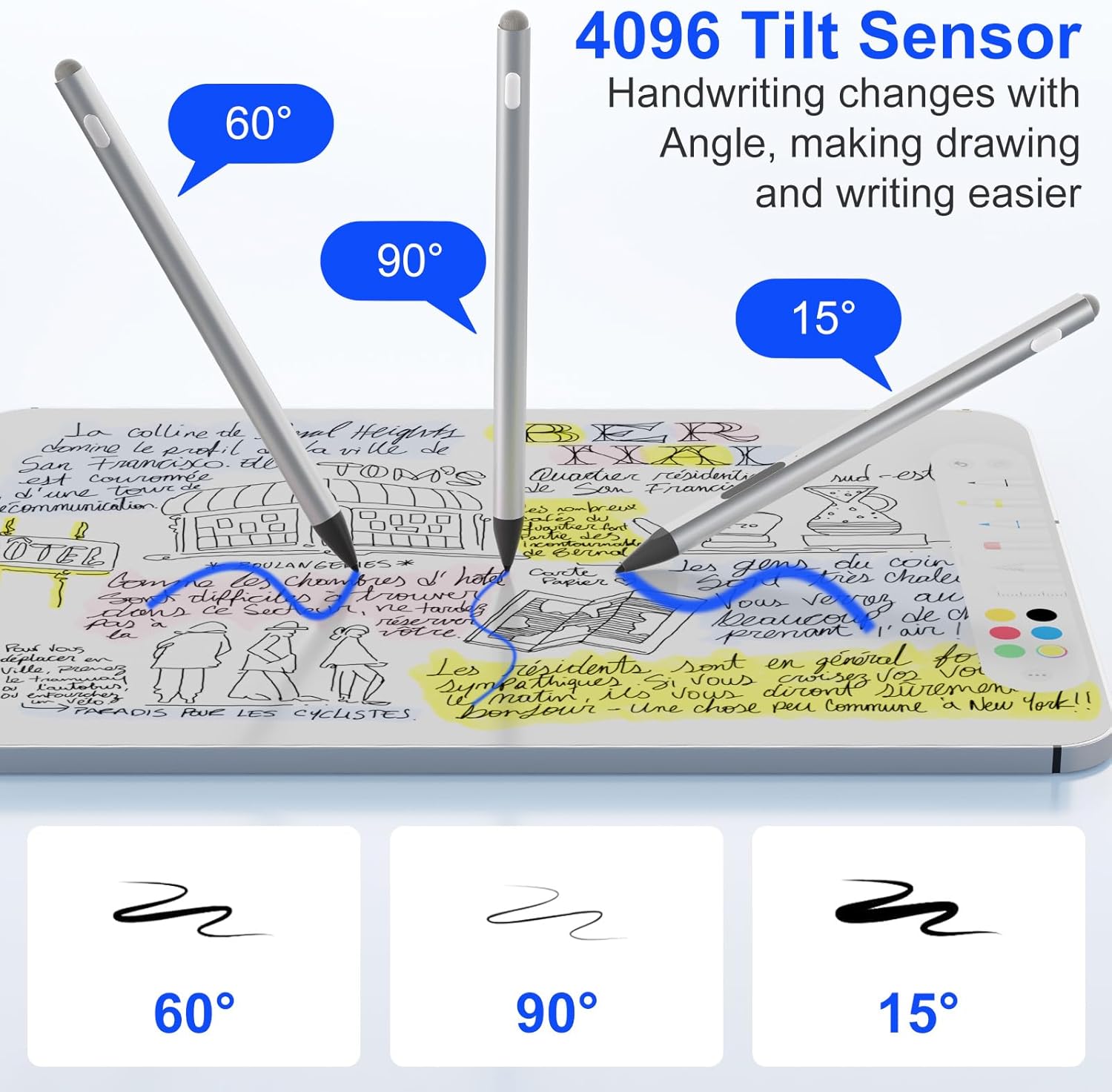
– The surface pro stylus has 4096 levels of pressure sensitivity to create lines and shadows at different angles on the screen.- Pressure-ensitive: A gentle press produces a fine line; a firm press produces a bold line, reproducing a true-to-life stroke.-Tilt Recognition: Automatically adjusts the stroke effect according to the tilt angle of the pen tip, which is suitable for shading drawing and art creation.- Meet the precise requirements of professional designers for fine sketching, coloring and detailing.

The 1.2 mm nib is resistant to abrasion and simulates real pen strokes to accurately outline, shade and color on the screen.The upgraded smart chip gives the pen up to 0.1 mm pixel-level accuracy, high sensitivity, no breakpoints, no delays, and smooth writing and drawing.

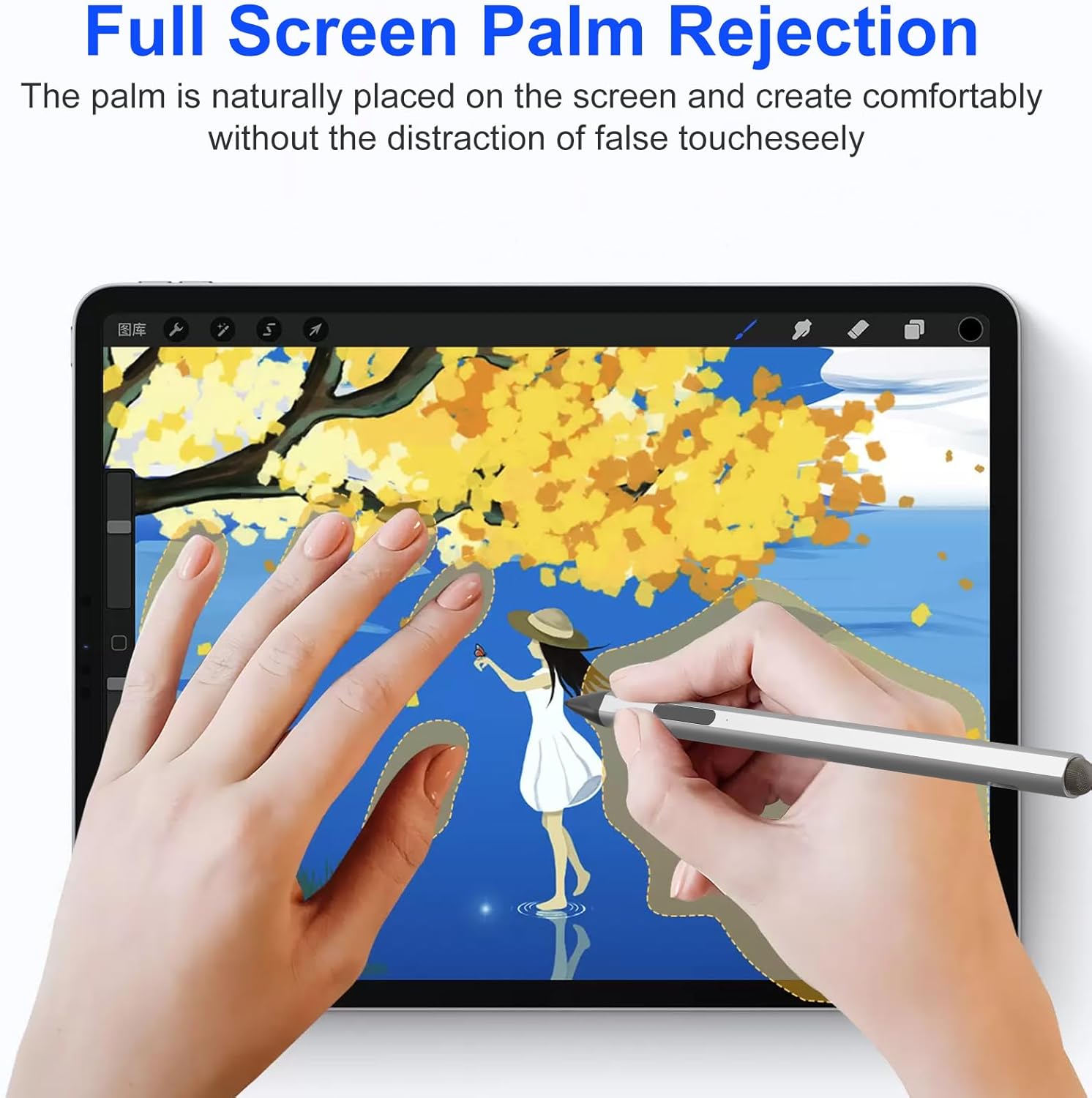
Palm anti-touch function, it allows both hands to be placed on the screen naturally. No need to worry about interrupting text or image input by accidentally touching the screen. Writing and drawing are real, smooth and natural!In contrast, styluses without this technology do not allow both hands to rest naturally on the screen, resulting in hand fatigue, writing interruptions and delays!

Dual Touch Design
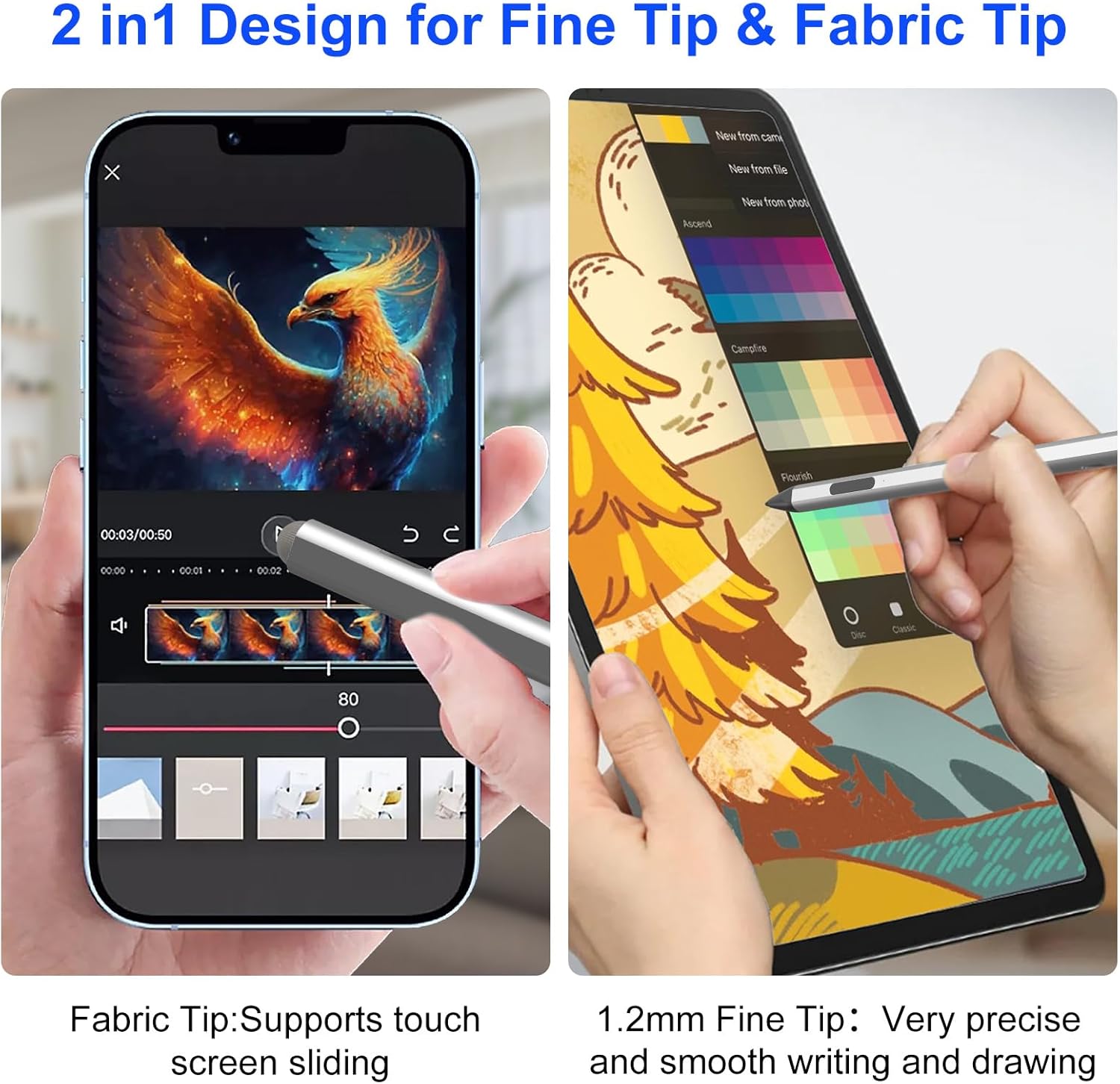
The 1.22mm tip of the stylus uses traditional handwriting to simulate the feel of a real pen.The other end of the Surface stylus uses capacitive touch technology to swipe and tap similarly to a smartphone screen.Dual Touch Design for added convenience and efficiency.

Tilt Sensitive and Palm Proof – Surface pro stylus different angles produce different lines and shadows on the screen. Tilt shadows in Pencil Brush or thicker lines in Marker Brush. In addition, our surface pro pencil supports palm rejection. You can put your palm or fingers on the screen while sketching, drawing, and writing, and enjoy writing small letters and drawing thin lines as easily as you would with a real pencil, without worrying about accidental touches.
Dual-Touch Design – The surface pro pen features a two-in-one touch design. 1.22mm tip uses traditional handwriting to simulate the feel of a real pen, and an upgraded smart chip gives the pen up to 0.1mm pixel-level accuracy, high sensitivity, no breakpoints, and no latency. The other end of the surface go stylus uses capacitive touch technology to enable swiping and tapping similar to what you would do on a smartphone screen.
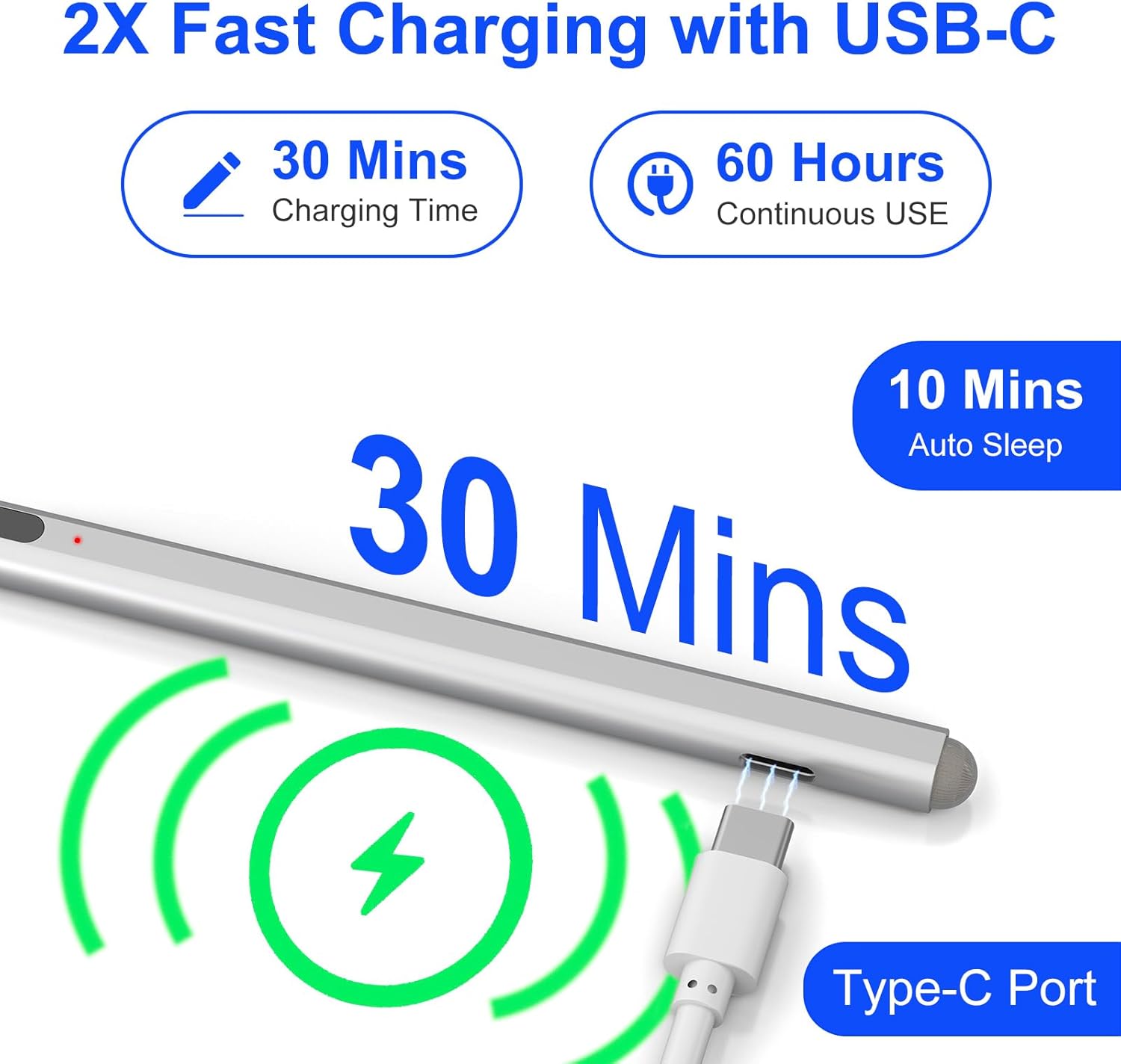
Charge UP to 2x Faster – The surface pro 12 stylus USB-C fully charges in 30 minutes for up to 60 hours of continuous operation.LED indicators remind you to charge in a timely manner, red for when it needs to be charged and blue for when it’s full. Automatically shuts off after 10 minutes of inactivity for energy efficiency.
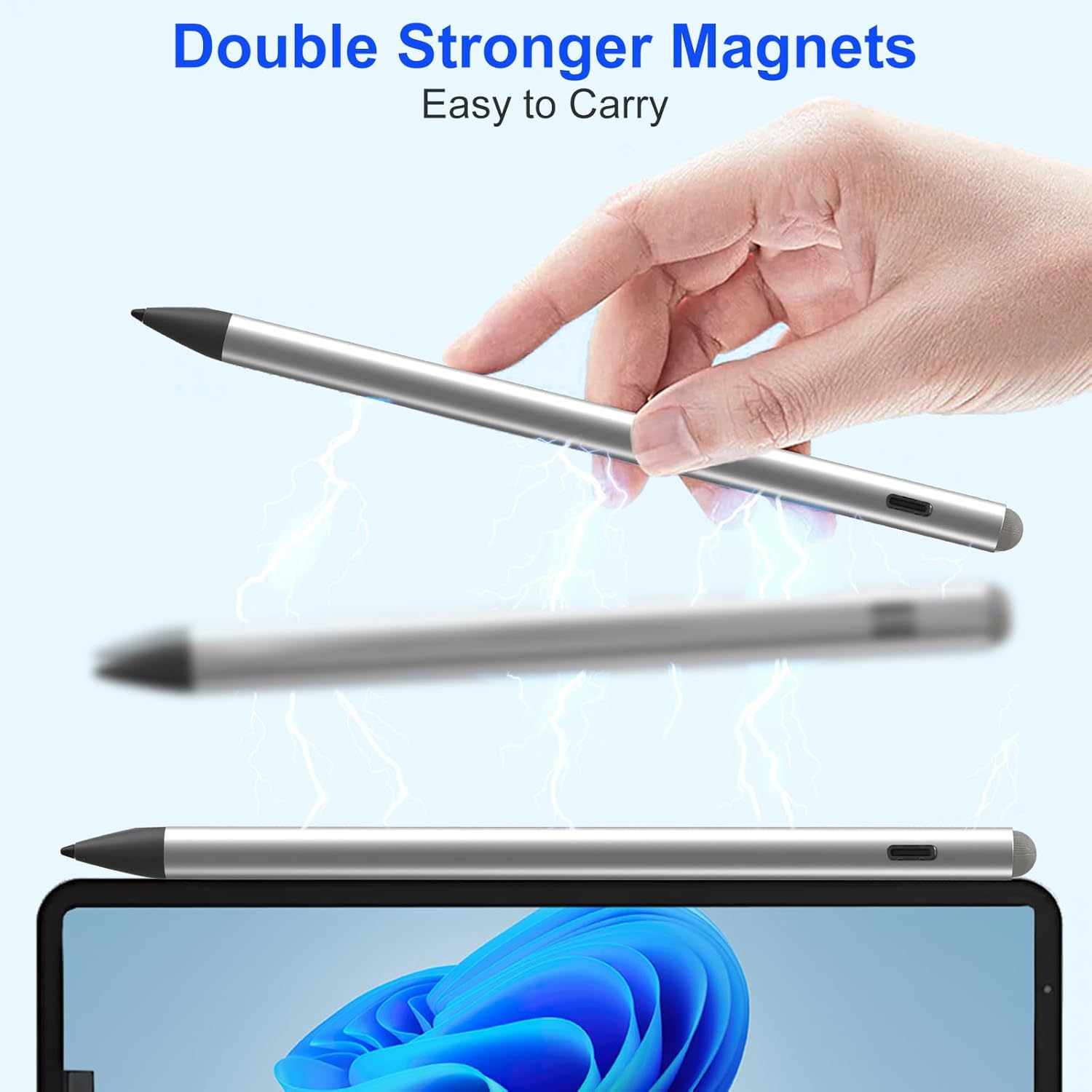
Quick Connect and Dual Magnets – No need to connect to Bluetooth or apps. Press any button on the surface pro 11 stylus and it’s ready to go. Also comes with two built-in magnets ready to securely magnet to your Microsoft device – no more rolling and losing.
Eraser Key and Right-Click – The surface pro 9 stylus penfeatures a one-click toggle eraser function (long-press to erase large swaths of content, whether it’s a typo in a note or a blemish in a design draft) and a right-click shortcut function (one-click = the right mouse button, which supports popping up, returning to the desktop, switching apps, and other high-frequency actions).
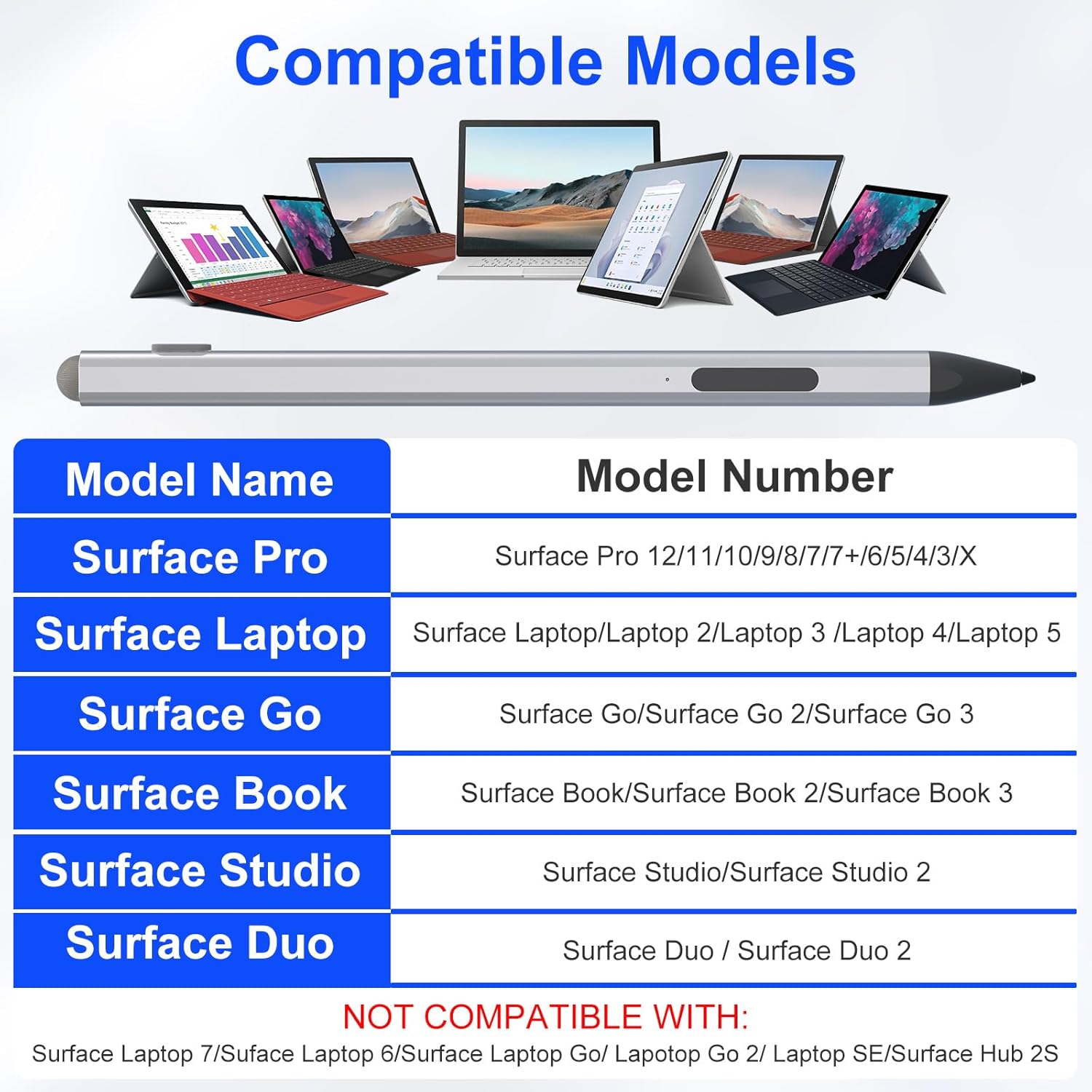
Compatibility – Pencil for surface pro with Surface Pro 12/11/10/9/8/7/7+/6/5/4/3, Surface Laptop / Laptop 2 / Laptop 3 / Laptop 4 / Laptop 5, Surface Book / Book 2 / Book 3. Surface GO 1/Surface GO 2/Surface GO 3/GO 4, Surface Studio/Surface Studio 2. Note: our stylus is not compatible with Surface Laptop 7 2024





Reviews
There are no reviews yet.